You're in control with My JBC app

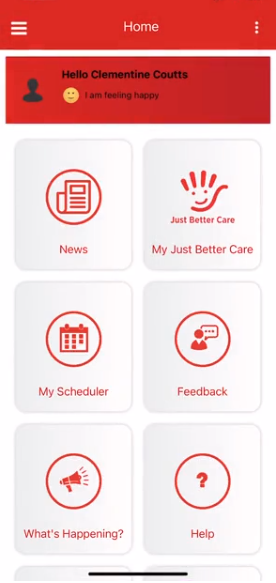

You're in Control with My JBC App
Easily manage your private home care services in one secure place. With the My JBC App, you can view invoices, download statements and access your personalised support plan anytime. Review upcoming services, request new supports or reschedule appointments with just a few taps. You can also add personal and medical appointments to keep your full daily schedule organised in one convenient location. The My JBC App gives you greater visibility, flexibility and control over your care — supporting independence, informed choices and seamless coordination of your in-home support.
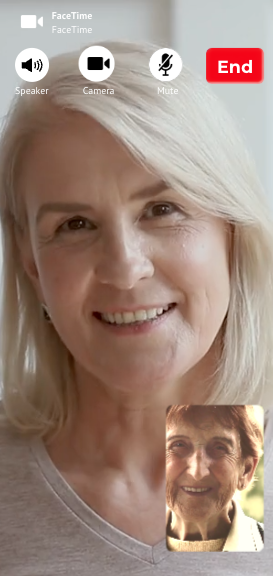
Connect to your Family & Friends with built in video calling
Easily connect with your trusted contacts using secure phone and video call functionality within the My JBC App. Keep in touch with family, friends and members of your support network through a simple, direct contact list, all in one place. The app also supports video calls for telehealth appointments, making it easier to attend virtual GP, specialist and allied health consultations from home. Video call features can be configured for seamless access within the app, helping you stay organised, maintain important connections and manage your health and wellbeing with confidence

Stay Informed with the Latest Just Better Care News and Updates
Access YOU Magazine, our monthly news created just for you, along with regular updates from your local Just Better Care office and across our national network, all at the touch of a button in the My JBC App. Stay connected with inspiring customer stories, aged care and disability support information, wellbeing tips, community updates and important service announcements. You can also explore the latest news section of our website directly through the app, making it easy to keep up to date with trusted information that supports your independence, choice and quality of life.
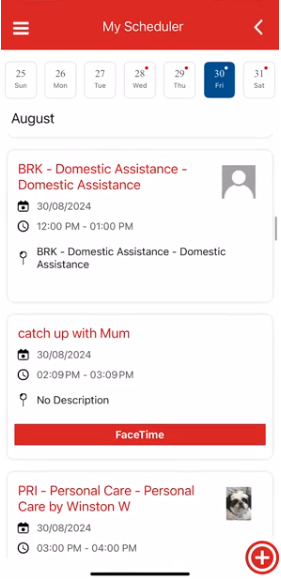
Manage Your Appointments and Support Services with Ease
Stay organised and in control of your private home care services with the My JBC App. View all your support visits, personal appointments and care arrangements in one convenient place. Need to reschedule a support service or request additional in-home care? Simply manage your services directly through the My JBC smartphone app. With real-time updates and easy access to your schedule, you can coordinate your care with confidence and flexibility.
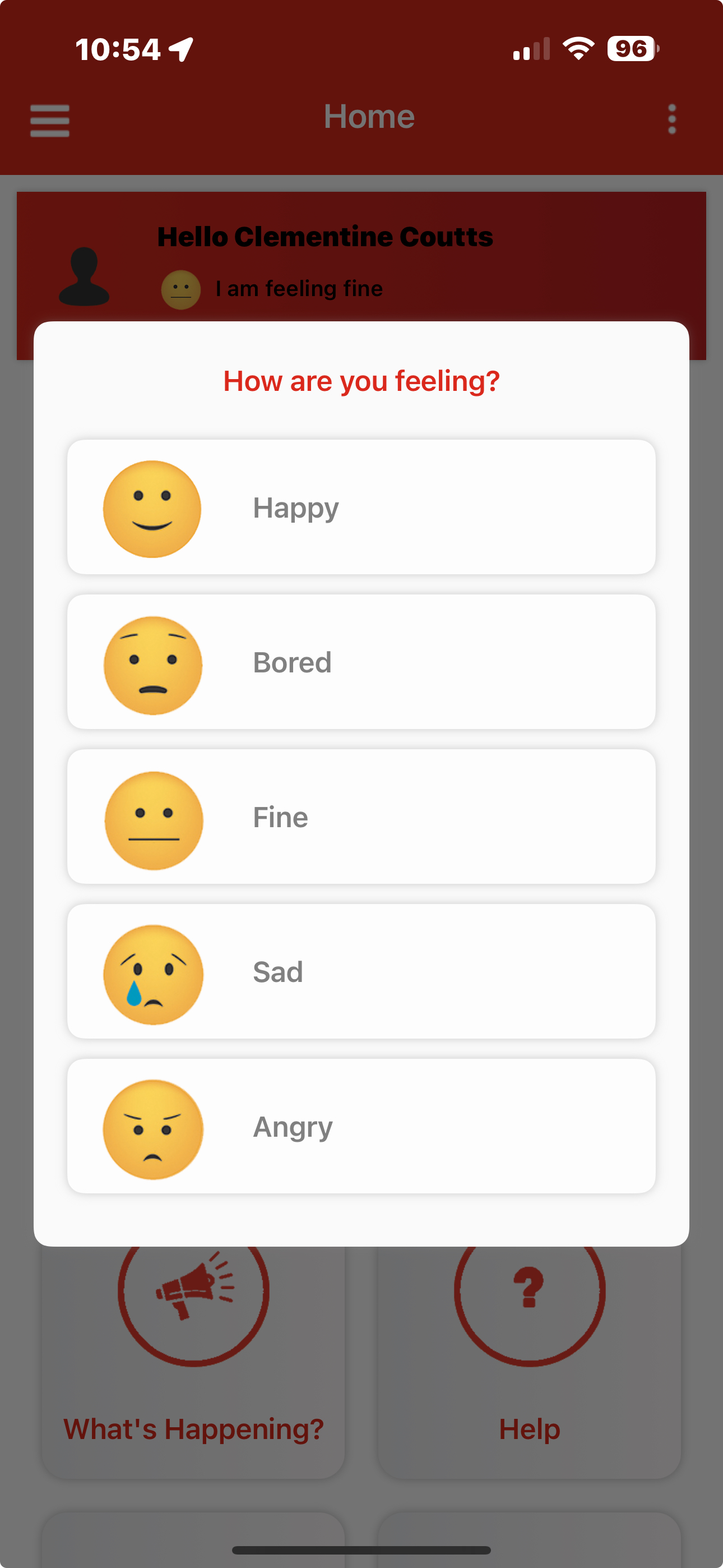
Share Feedback and Stay Involved in Your Care
The My JBC App makes it easy to provide feedback about your private home care services at a time that suits you. The app can be tailored to each customer, allowing you to share feedback after every support visit or on a scheduled weekly or monthly basis. Regular feedback helps us maintain high-quality, personalised in-home care that reflects your preferences and goals. Family members and approved contacts can also stay informed about their loved one’s wellbeing, supporting transparency, collaboration and continuous improvement in care.

Stay Protected and Secure with Encrypted Technology
Online safety is more important than ever, with older Australians and people living with disability increasingly targeted by scams and cybercrime. The Australian Competition and Consumer Commission reports that Australians have lost more than $2.7 billion to scams in a single year, with people aged over 65 among the most financially impacted. The My JBC App is built with strong security and privacy protections to help safeguard your personal information. It does not store personal data on your device, reducing risk if your phone is lost or stolen, and any shared information is only accessible with your approval and limited to nominated trusted contacts.
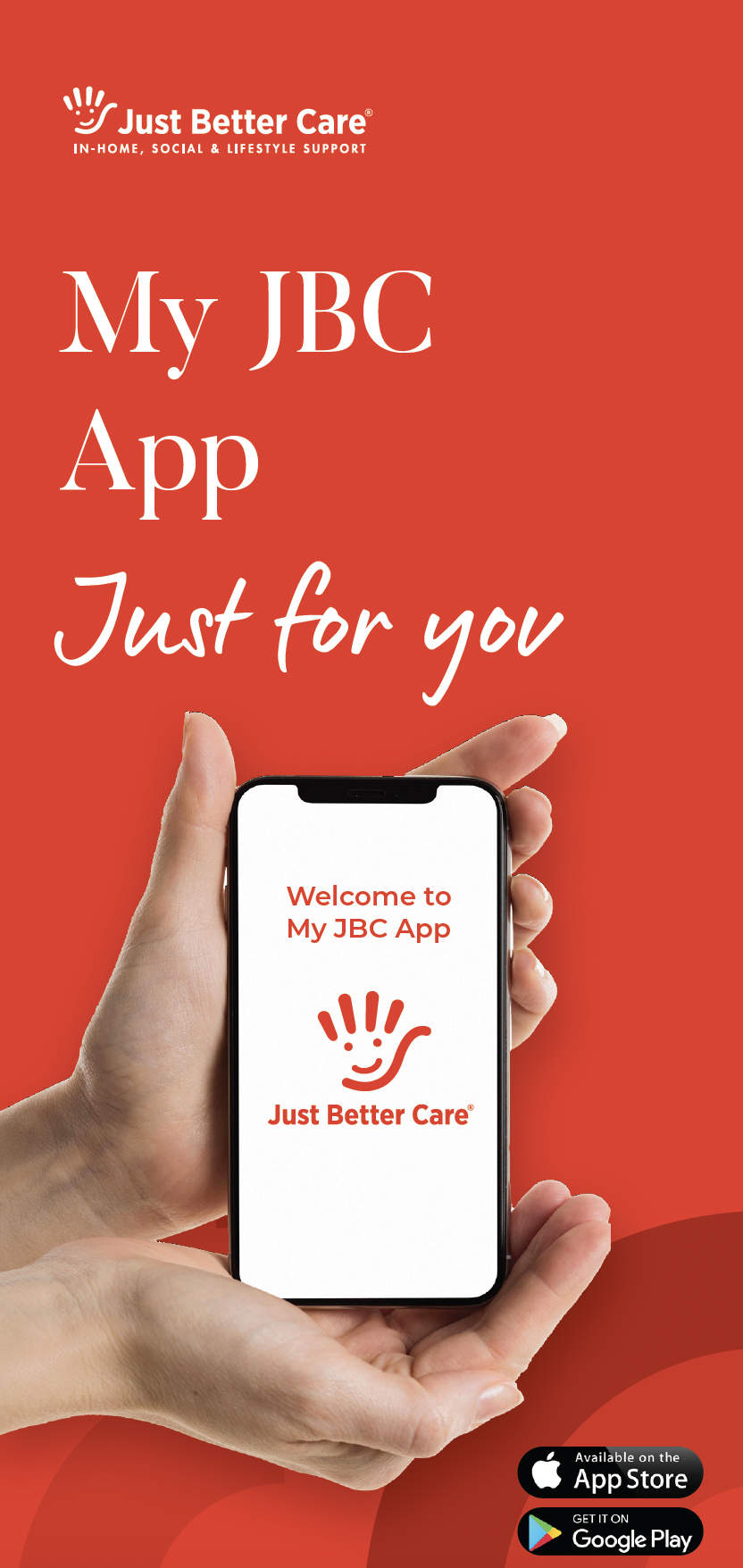
The Guide to My JBC App
The My JBC App connects customers, families and Just Better Care with real time updates and a range of features and benefits. Fill in your details to download more information and your local Just Better Care office will be in contact.
Private Home Care News, Updates and Resources


.jpg?width=1750&height=985&ext=.jpg)
.png?width=1200&height=623&ext=.png)

Just Better Care acknowledges the Traditional Custodians of country throughout Australia and their connections to land, sea and community. We pay our respect to their Elders past and present and extend that respect to all Aboriginal and Torres Strait Islander peoples today. We also acknowledge the diversity of Australian culture and extend our support to all individuals, regardless of culture or sexuality.